Built for anyone tracking a project over time
Plumb Daily suits any project you can photograph from the same spot while it changes. You set a key photo once, and every later photo lines up with it. At the end, the app turns those photos into one time-lapse or slideshow.
- No account
- No ads
- No tracking
- Photos processed on your device
Each guide above is written for one kind of project. It covers what to record, where to stand, how often to shoot and which features matter most.
The same routine, whatever you're making
- Make a scene for your project and take the key photo. The lens, zoom and orientation lock for that scene.
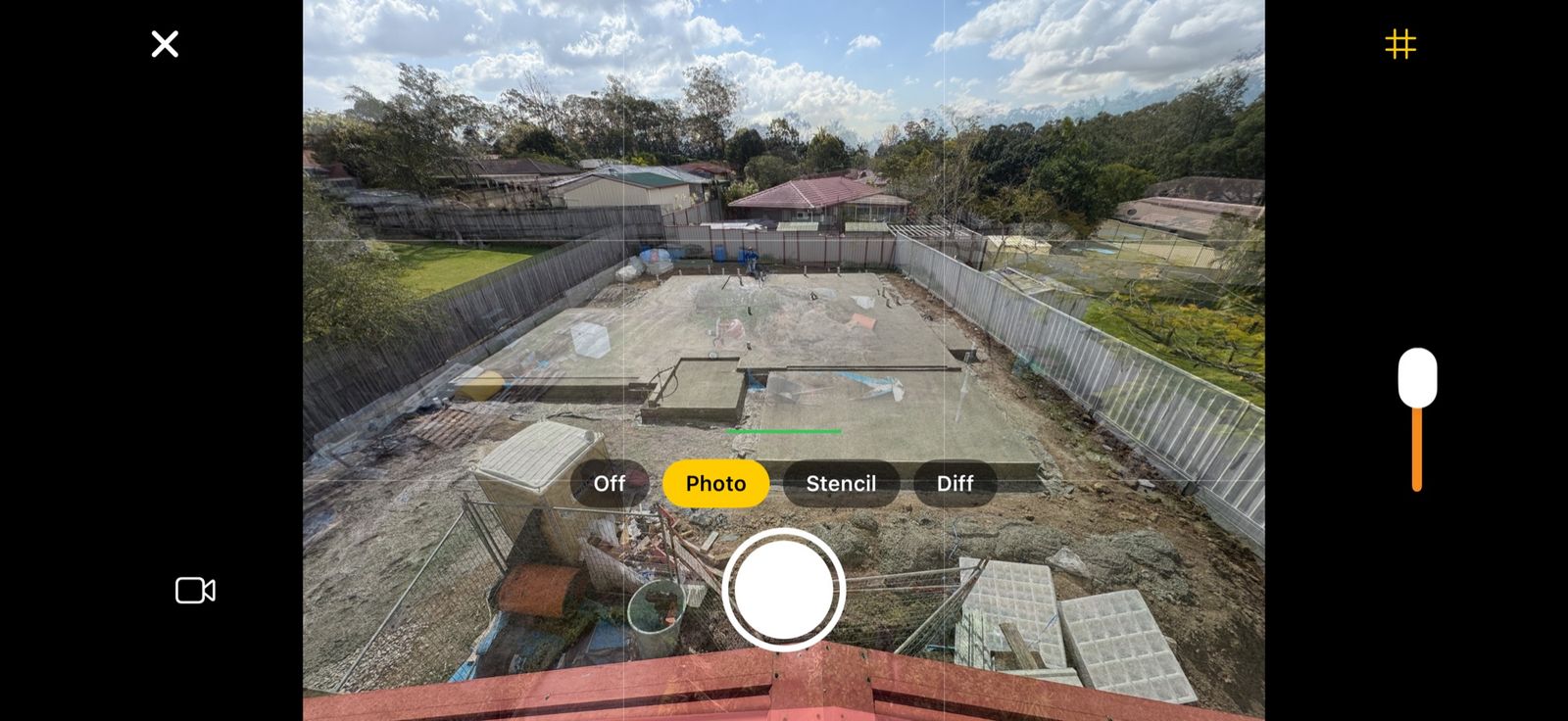
- Come back to the same spot. The key photo shows in the viewfinder as a see-through overlay, or as a stencil outline of its main edges. Use either one to line up the next photo.
- When you're ready, export a time-lapse or a slideshow. It saves to your Photos library.
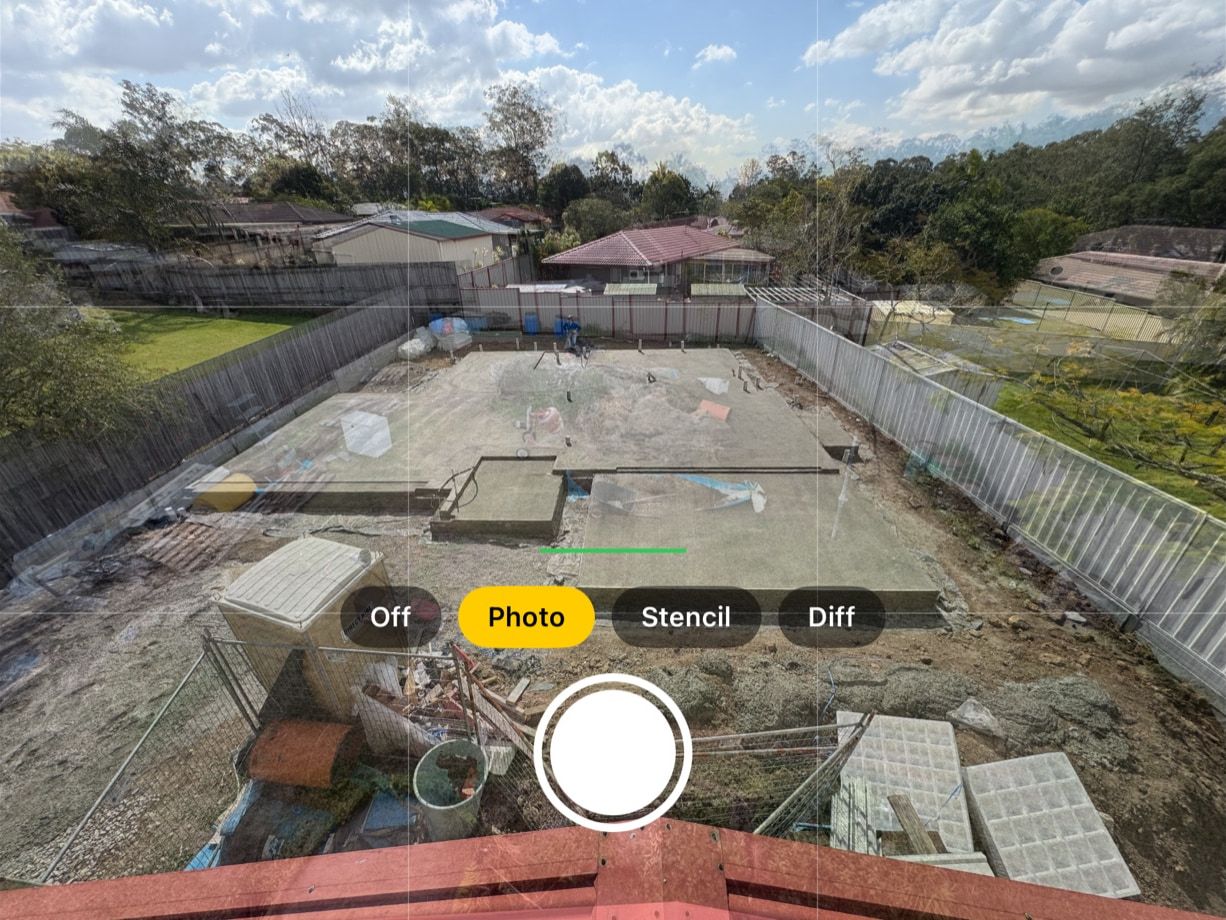
There's more detail on how Plumb Daily keeps each photo lined up. If you're not sure how often to shoot, the time-lapse capture planner shows how many photos you'll take and how long the finished video will run.
What every project gets
- No account, no ads, no tracking. There are no Plumb Daily servers. Your photos stay on your devices and in your own iCloud, where only you can see them.
- Processing on your device. The stencil, alignment and video all happen on your iPhone or Mac.
- As many scenes as you like, each with its own optional daily reminder.
- A Mac app for the big screen. Review, compare and export on your Mac with the Plumb Daily Mac app. The same App Store listing covers iPhone and Mac.
- What you need. An iPhone with iOS 18 or later. For the Mac app, a Mac with macOS 15 or later, on Apple silicon or Intel. Syncing between them needs iCloud.
Who makes it
Plumb Daily is made in Australia by Matthew Sweet (Platform21). He built it to record his own new home build.
Hear when it's on the App Store
You're on the list
You'll get one email when Plumb Daily is on the App Store. There's nothing else you need to do.